
Wear-time
↓
After week 4–8
Silent failures
↑
Sync / pairing / battery
Recovery window
72h
Then it compounds
Wearable Compliance Recovery
Detect → Outreach → Fix → Escalate
Wearable compliance is the sustained use of a study device as intended—typically measured by wear-time (hours/day), valid days (days with usable data), and device health (sync, battery, pairing, permissions) without gaps that degrade longitudinal endpoints.
The question isn’t “Did we deploy a device?”
It’s “Who detects drift early and recovers wear-time before the window closes?”
Related reading: Why Trials Lose Data Continuity

Wearable studies rarely lose data due to a single event. The most common losses come from a predictable set of failure modes.
Comfort, skin irritation, travel, sleep routines, and simple fatigue cause wear-time to decline over time.
Patients forget to charge or avoid charging because it disrupts routine—leading to repeated dead-battery gaps.
Data stops without visible errors due to background sync restrictions, phone OS updates, or app state changes.
Bluetooth disconnects and never re-establishes. The device is worn, but the phone never receives data.
Location/Bluetooth permissions, battery optimization, and background refresh settings get toggled—accidentally or by OS updates.
Firmware updates, device resets, storage limits, or sensor state errors can stop valid data generation.
Device, app, ePRO, and support live in different places—so no one owns end-to-end compliance recovery.
These are recoverable—if you detect them quickly and follow a consistent playbook.
Wearable compliance isn’t a device problem. It’s an operating model problem.
Many studies measure “compliance” using device assignment or self-report. A stronger approach uses three layers:
If you track only wear-time, you can miss silent failures. If you track only “data present,” you can miss quality. The best programs track all three and treat them as recoverable operations, not retrospective metrics.
See the related platform pages: Wearables · Digital Biomarkers · Real-Time Analytics
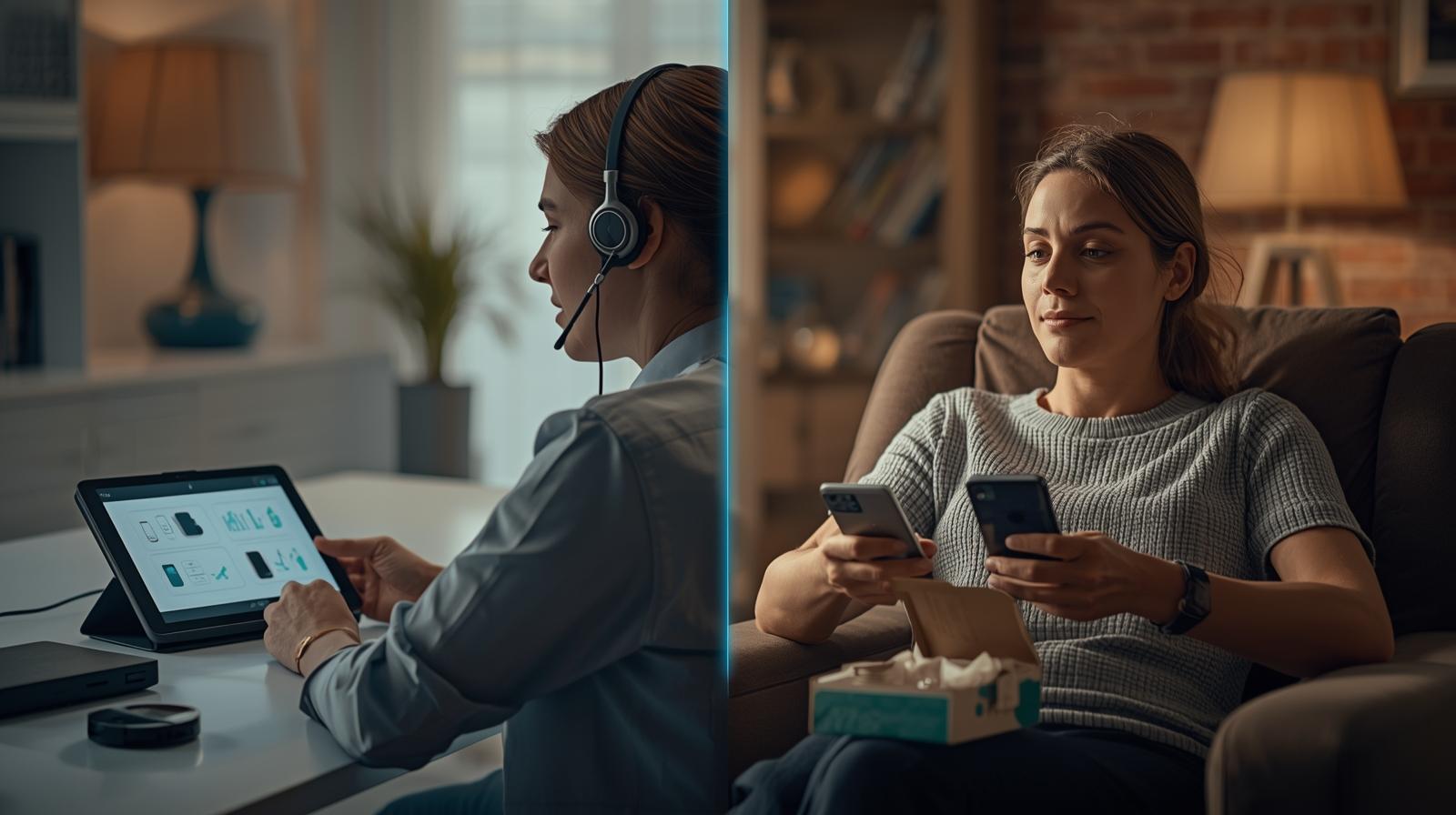
Strong programs don’t “monitor” compliance. They recover it—using consistent rules and response windows.
Daily monitoring of wear-time + device health (battery, pairing, sync recency, permissions).
Automated nudges plus human follow-up when gaps hit defined thresholds.
Guided playbooks to fix common issues quickly (charge, re-pair, re-sync, settings).
Escalate to the site only after recovery fails or clinical thresholds trigger.
Audit trails for outreach, outcomes, and exceptions—so compliance is measurable, not assumed.
Use root-cause reporting to reduce repeat failures (device selection, training, SOP updates).
If you want this to run without overwhelming sites, the human layer matters: Concierge-as-a-Service™.
Use this in protocol planning so “wearable compliance” is owned and operationalized.
The goal is simple: fewer gaps, faster recovery, less site burden.
No. Wear-time is essential, but you also need valid-day rules and device health signals (battery, pairing, sync recency) to avoid “false compliance.”
Because many programs don’t define an operational owner for recovery. When support is fragmented, the site becomes the default.
Fewer alerts with higher quality: patient context, actions already attempted, current device state, and the exact reason escalation is required.
Wearable compliance isn’t a “set it and forget it” feature. It’s a recovery operating model—designed to detect drift early and restore data fast.
Book a Wearable Compliance Walkthrough